Weiss Update May, 2012
Let’s do some Weiss update on May, 2012.
Weiss MAN301
MAN301 software 1.0.0 is released. In next 2 weeks, we will follow up with screenshots and video on how to setup MAN301 properly. Weiss team highly recommended (insists actually
) all users to read the iBook manual before trying to setup MAN301. You will also first need to install free app iBOOK from app store.
Anyway 2 passwords you will have to remember (of course they are on the manual):
- “WeissMAN301” is the WiFi password to log directly on MAN301 WiFi from the iPAD.
- “wh10admin” is the admin password to add user, software updates and all other features etc.
- Quick start guide (that comes with the MAN301 units in printed form):
- http://www.weiss-highend.ch/man301/documents/MAN301_quick_start_guide.pdf
- ibooks manual (has to be downloaded to the iPad via Safari):
- http://www.weiss.ch/downloads/man301/WeissMAN.ibooks
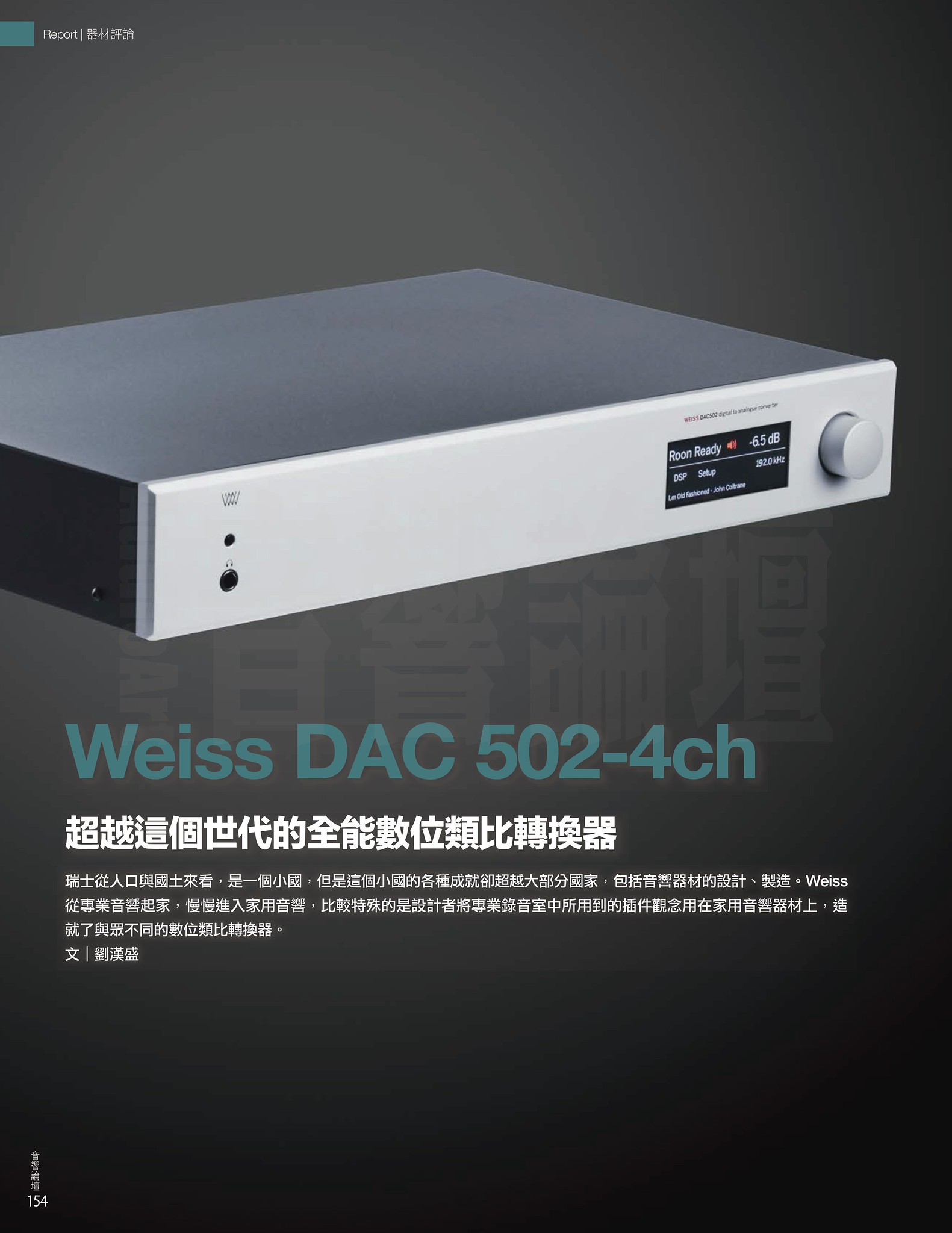
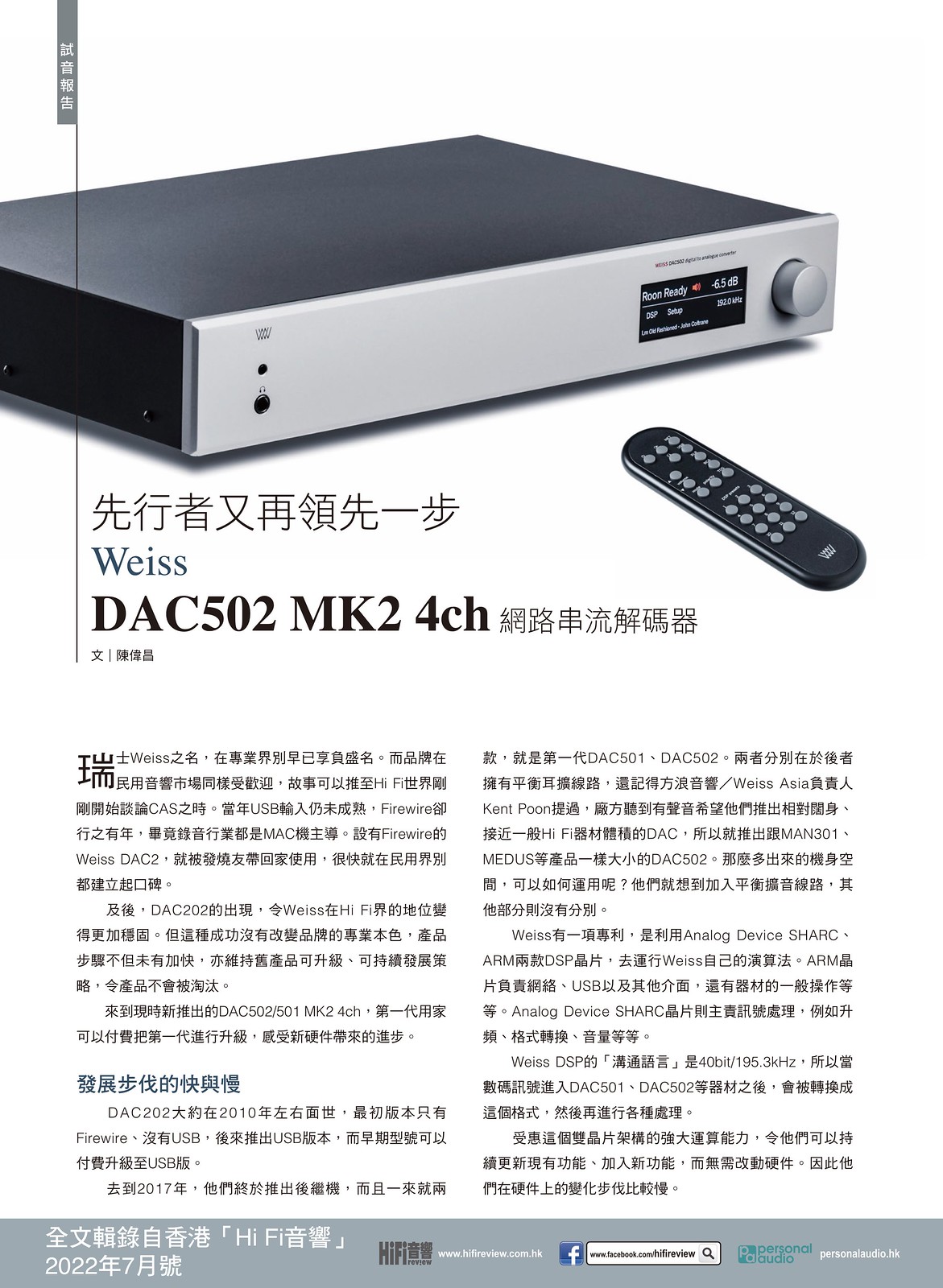
Weiss DAC202 new firmware is available: http://www.weiss.ch/downloads/dac202fw/linux/dac202_tcd22x0_linux.bin
- This firmware support DAC202 connects directly to MAN301 via firewire
If you are using Windows 7 32bit with USB, there is no require following update. The following update is only created for Windows 7 – 64bit users.
Weiss DAC202U – USB Driver for Windows 7(64bit) : http://www.asiaweiss.com/softwares/weiss_usb_audio.zip
The new driver will not work with your current firmware. Please follow this procedure:
- Use the actual driver 1.22 to make a DSP firmware upgrade via the USB Audio control panel.
- Choose the file with the “u1″ extension.
- Once you have upgraded all the boards, uninstall the driver (1.22).
- Be sure that no board is connected and install the new driver (1.56).
- The file with “.bin” extension can be used to program directly the flash memory.
Weiss Firewire products (INT202/INT203, DAC2, Minerva, DAC202, MEDEA+)
As many of you may already discovered, we have updated a series of Weiss drivers as well:
- Firewire Driver for OS/x (OSX 10.6.8 or higher) : http://www.weiss.ch/downloads/firewire/osx/WeissFirewire.dmg
- Firewire Driver for Windows: http://www.weiss.ch/downloads/firewire/win32/WeissFirewireInstaller.exe
With the latest Firewire Driver, we would start recommend users to use ASIO on Windows platform. For short answer:
“We consider the ASIO protocol to be the professional interface, and the Windows audio protocols (WDM, WDM/KS, WASAPI) to be the secondary consumer interface. The addition of the Dynamic Format Change, which restricts WDM audio to the current sample rate set by either the DICE Control Panel or an ASIO application, fixes several issues where WDM audio would fail to play back correctly when an ASIO audio application was active. Our ASIO interface is optimized for functionality, performance, bit accuracy, and low latency. We recommend using the ASIO protocol whenever possible. The Foobar2000 audio player offers a component that adds support for the ASIO protocol.”
Someone has written the update status here: http://bbs.headphoneclub.com/thread-184021-1-1.html


Recent Comments